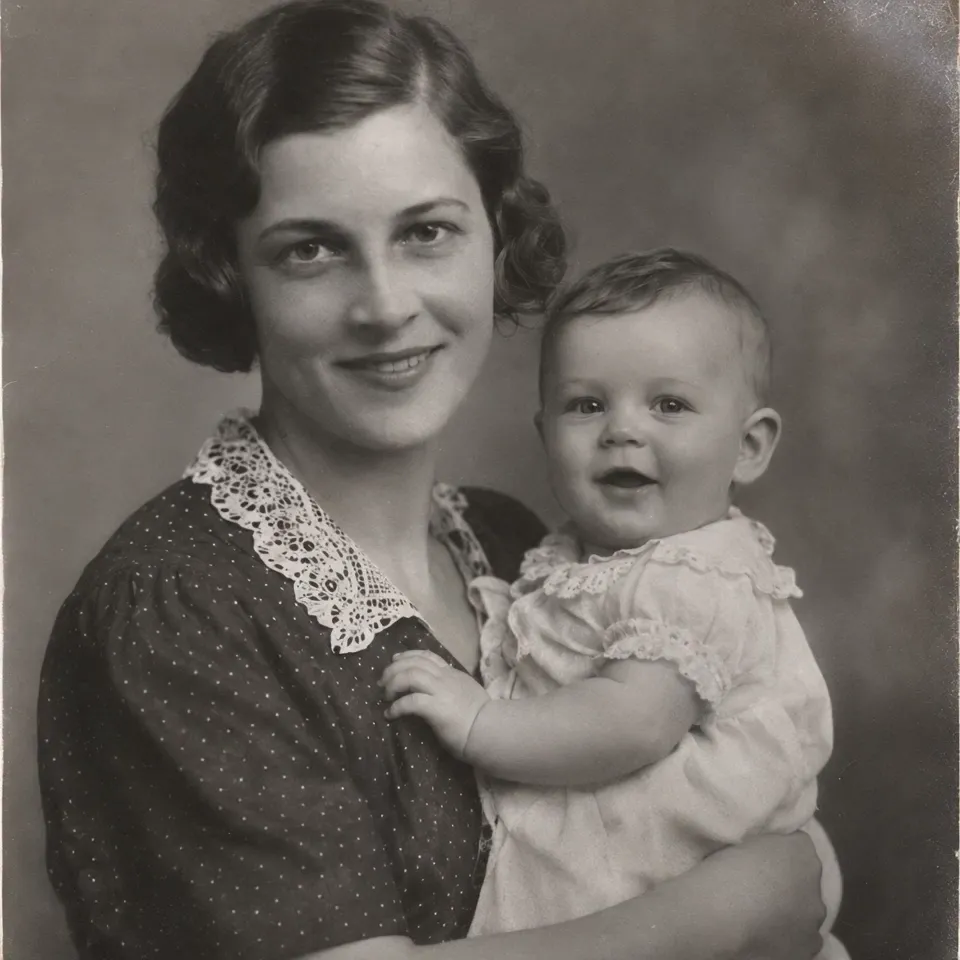
 Animate old photos
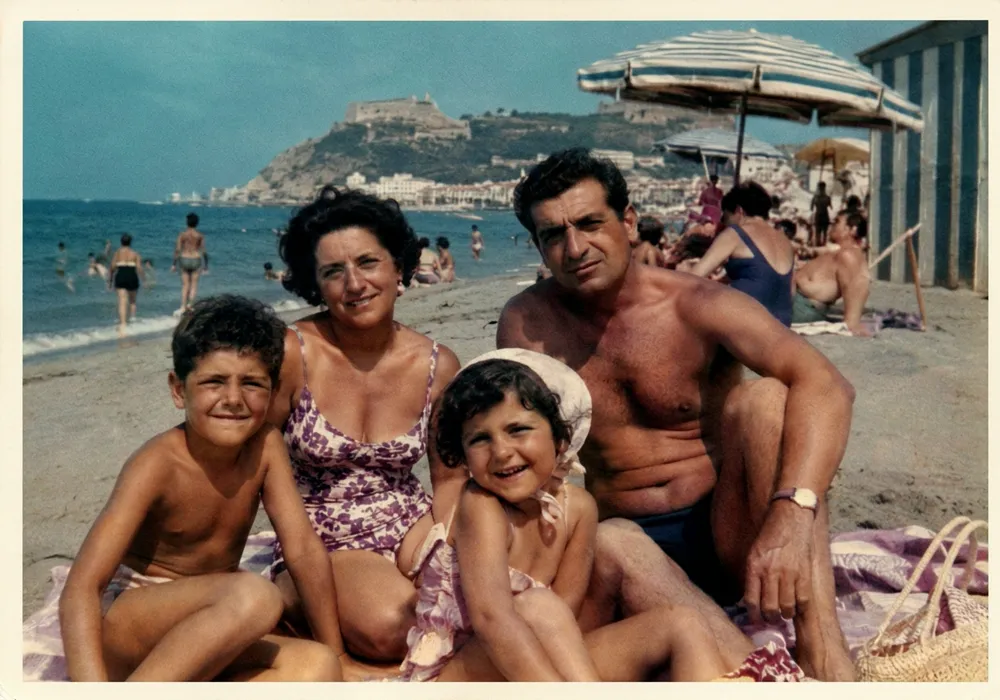 Restore old photos
Starter
$6.99
20 credits, valid for 12 months
About 5 short videos, or 20 restored photos
Turn a black-and-white photo into color, with natural skin tones and soft color like an old print.
Upload a photo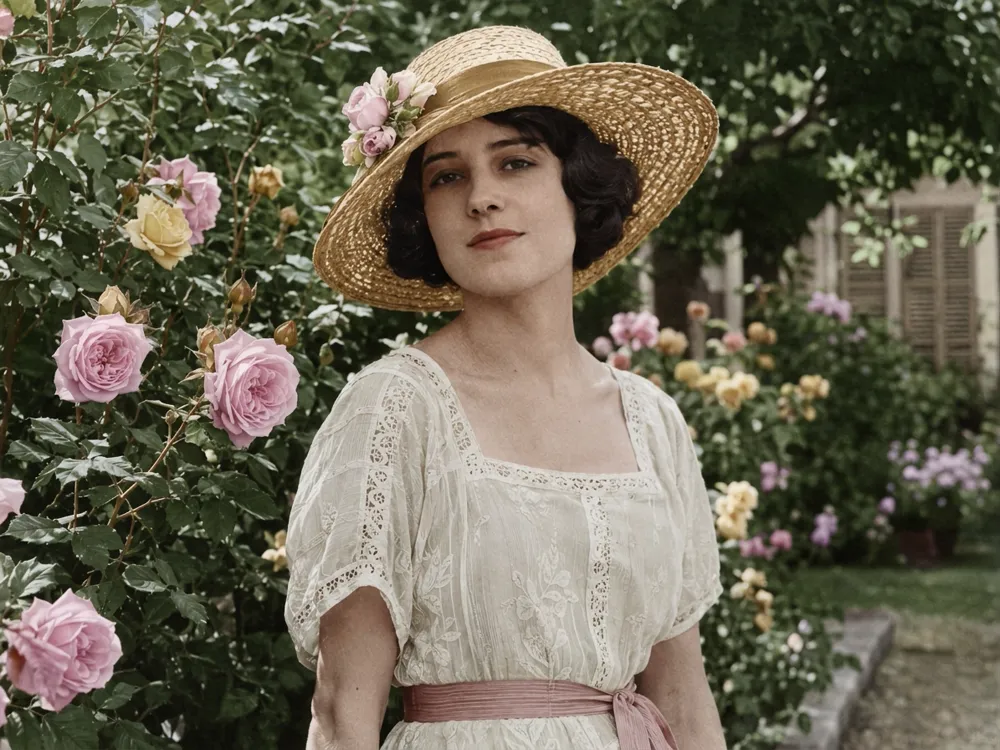
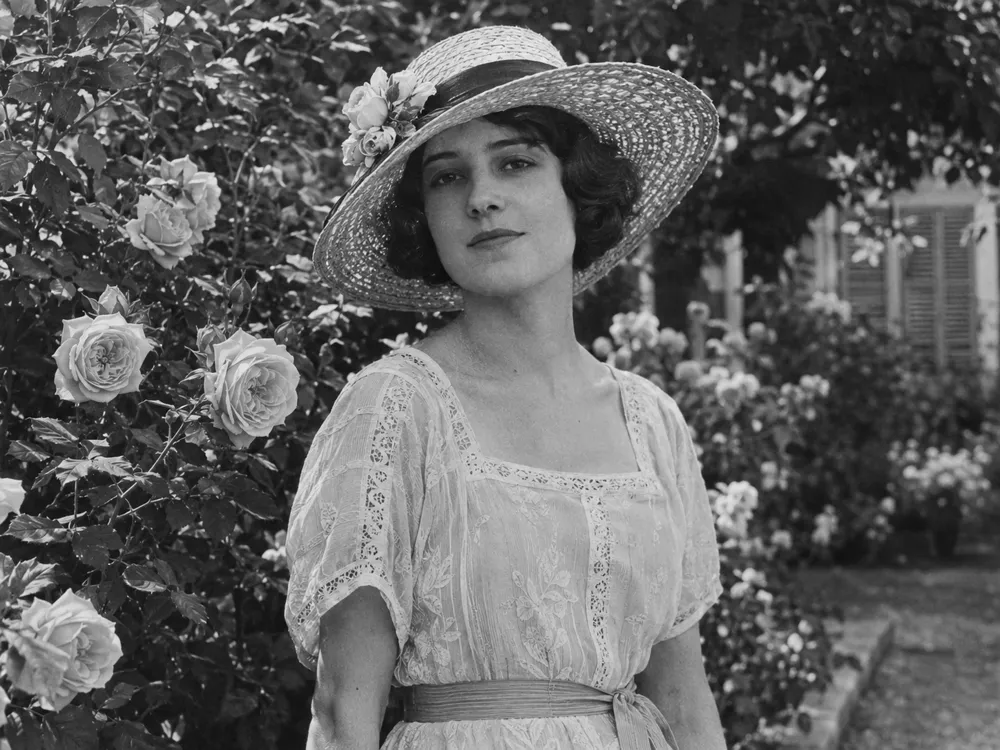 OriginalResult
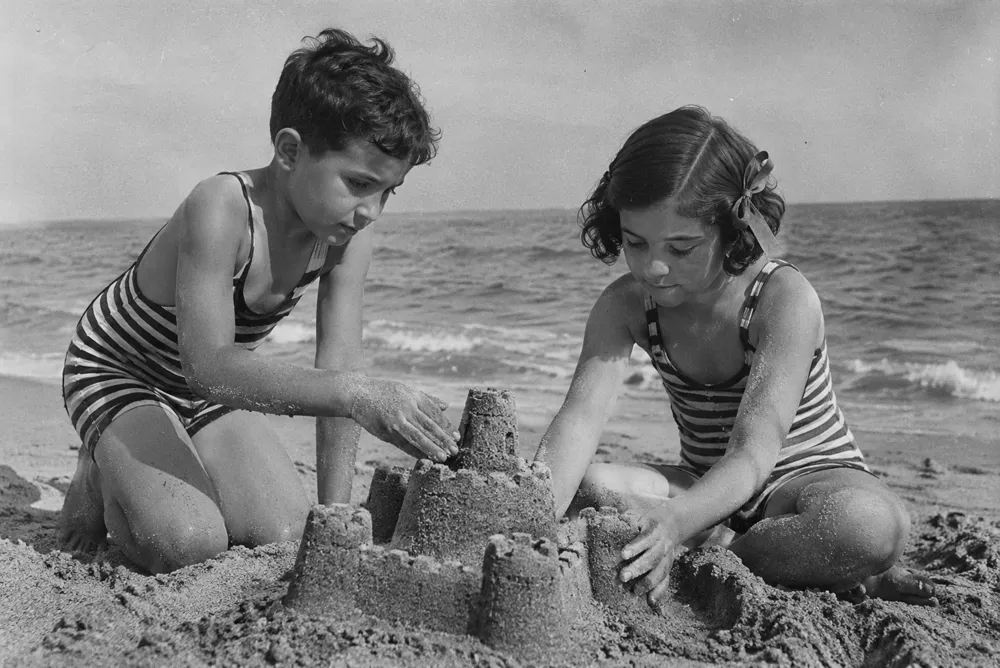
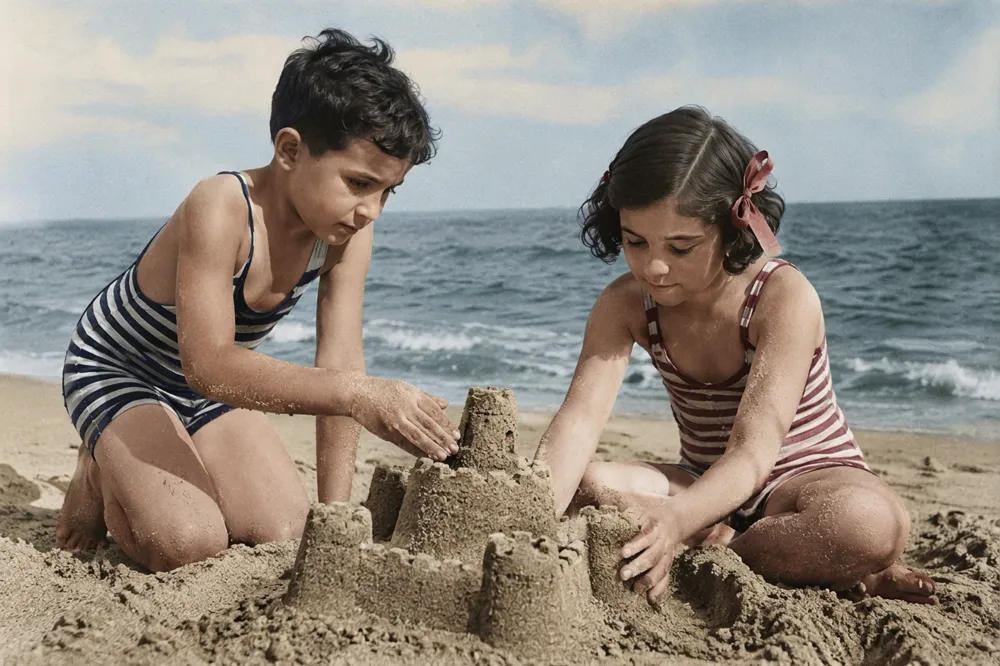
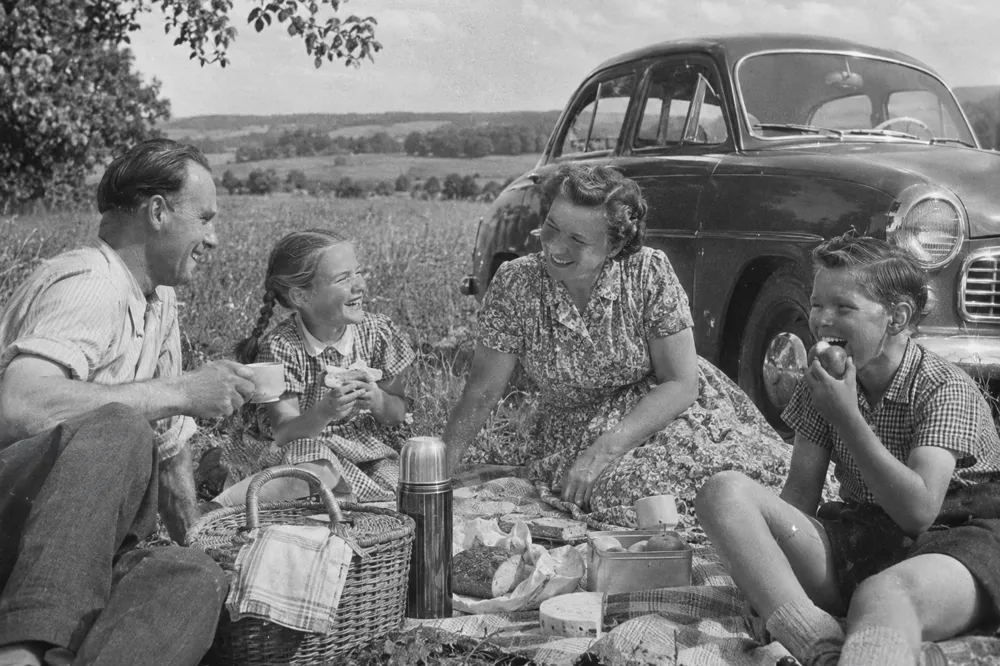
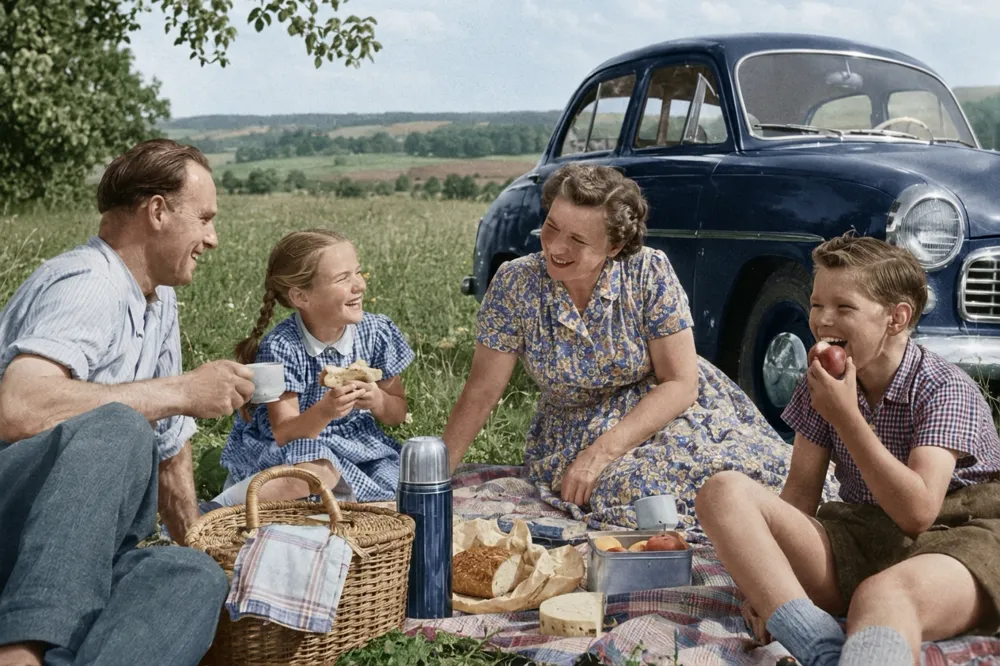
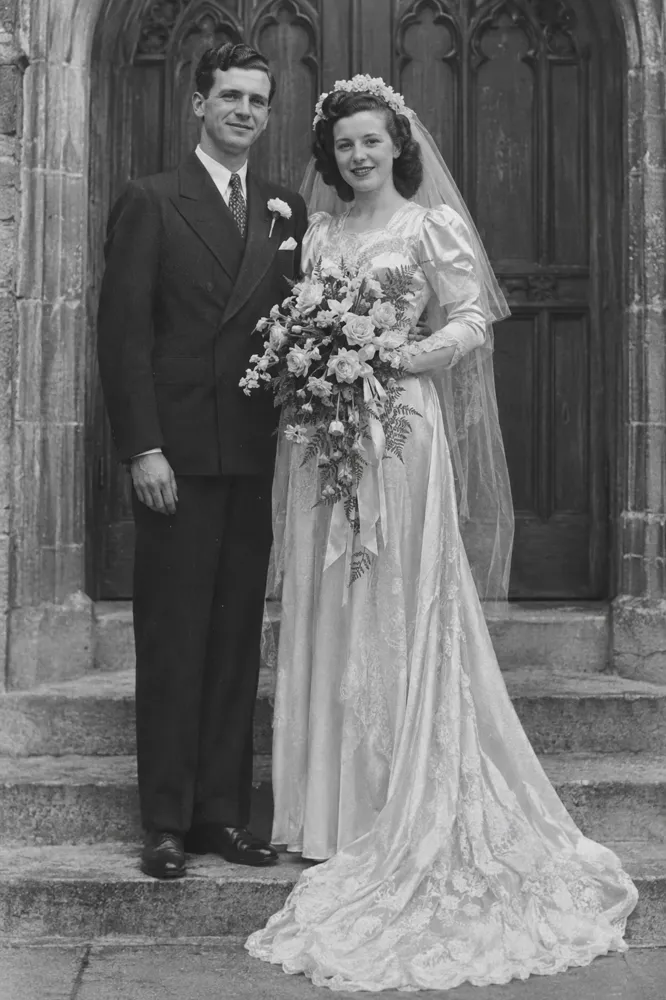
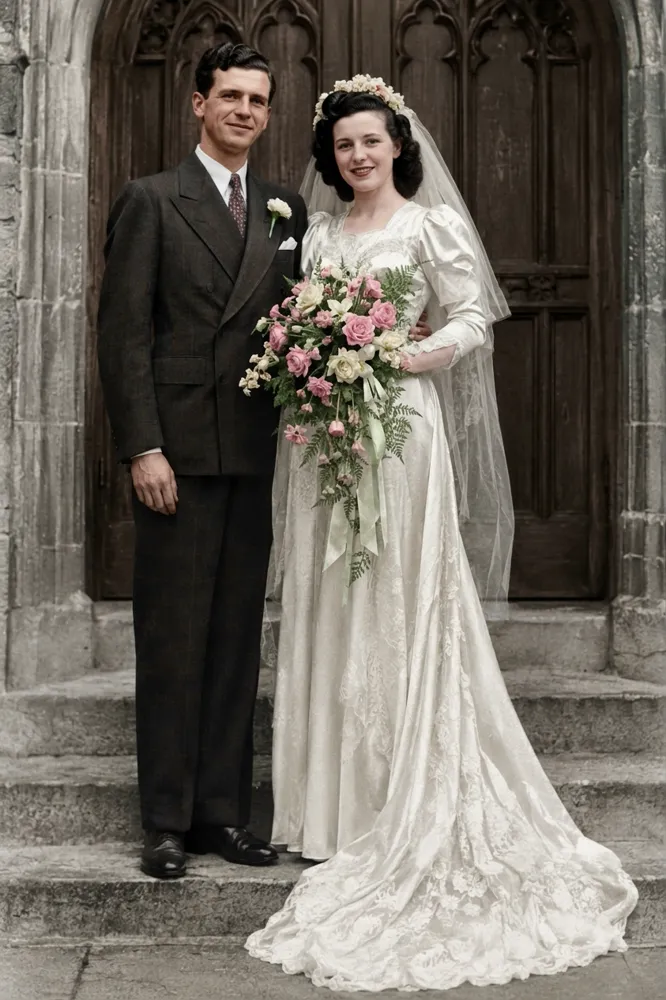
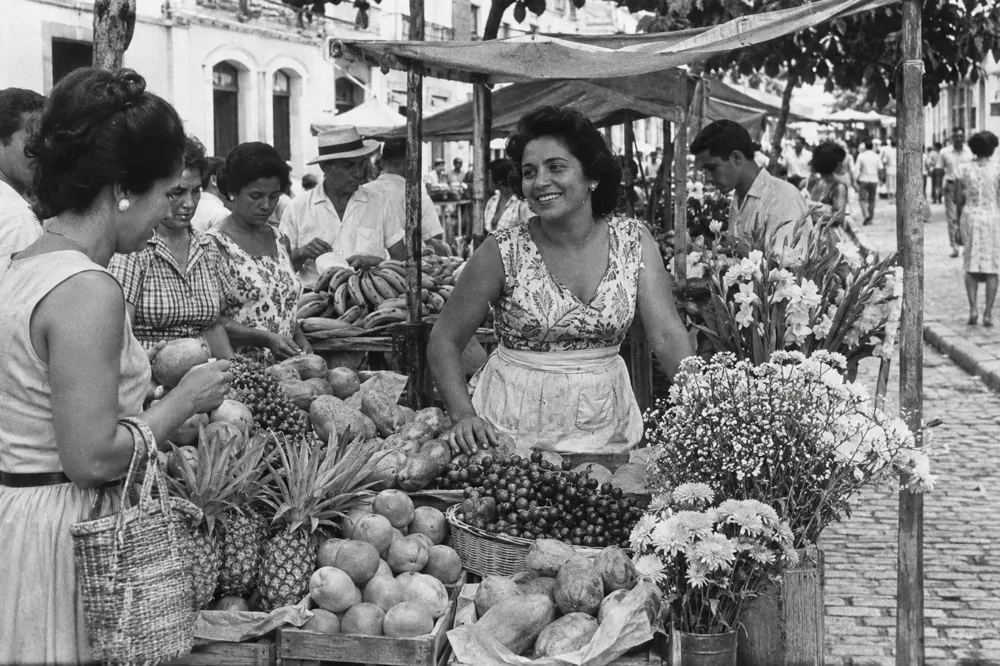
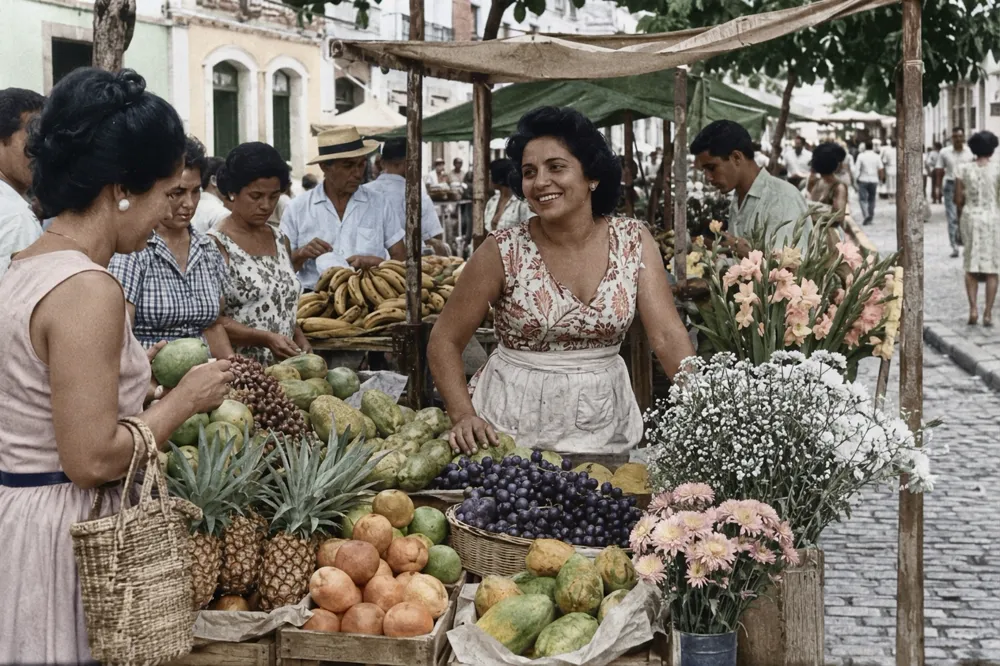
Color makes an old photo feel closer. Skin, hair, clothes and the room behind the people get natural, slightly muted color, like a color print from the same era and not a modern filter.
The colors are an informed guess: no tool can know that a dress was blue. If a color looks wrong, try again for a different result. Only the color changes; faces and details stay as they are in your photo.
Read the guide: how to colorize black-and-white photos (in English)
Colorizing is free to try once a day without an account. After that it costs 1 credit (2 in HD), so the Starter pack colorizes 20 photos. Pay once, no subscription; credits work on every tool and last 12 months.
$6.99
20 credits, valid for 12 months
About 5 short videos, or 20 restored photos
$14.99
50 credits, valid for 12 months
About 12 short videos, or 50 restored photos
Most popular$29.99
120 credits, valid for 12 months
About 30 short videos, or 120 restored photos
Want to try first? Restore or colorize one photo a day for free, no account needed, and new accounts get 2 free credits. Animating needs a pack. Restore a photo free
Secure checkout, one-time payment. No watermark. Failed jobs return their credits. Refund policy
Restoring and colorizing are free to try: one photo a day without an account, and new accounts get 2 credits. Animating a photo needs credits. Packs start at $6.99 for 20 credits, which is five 5-second videos.
They are an informed guess: no tool can know that a dress was blue. Skin tones stay natural and other colors are soft and slightly muted, like a color print from the same era. If a color looks wrong, try again for a different result.
They follow the tones in your photo: dark hair stays dark, and only clearly light hair becomes blond. When the photo gives no clue, the tool picks the most common, understated color rather than a striking one.
Colorizing also cleans away dust, specks and fine scratches. For a photo with creases, tears or heavy fading, use the restore tool with Add color: repair and color happen in one step, so they match. Black-and-white and sepia photos both work.
Standard (1K) costs 1 credit. HD (2K) gives a larger, sharper result for 2 credits and needs a free account. Photos can be up to 10 MB, and the shorter side must be at least 160 pixels. Results download without a watermark.
Your photos are used only to make your results. We do not sell them or use them to train AI. Uploads are deleted after 7 days and results after 30 days.
Unused packs can be refunded within 14 days. Credits for failed jobs come back automatically. See the refund policy for details.