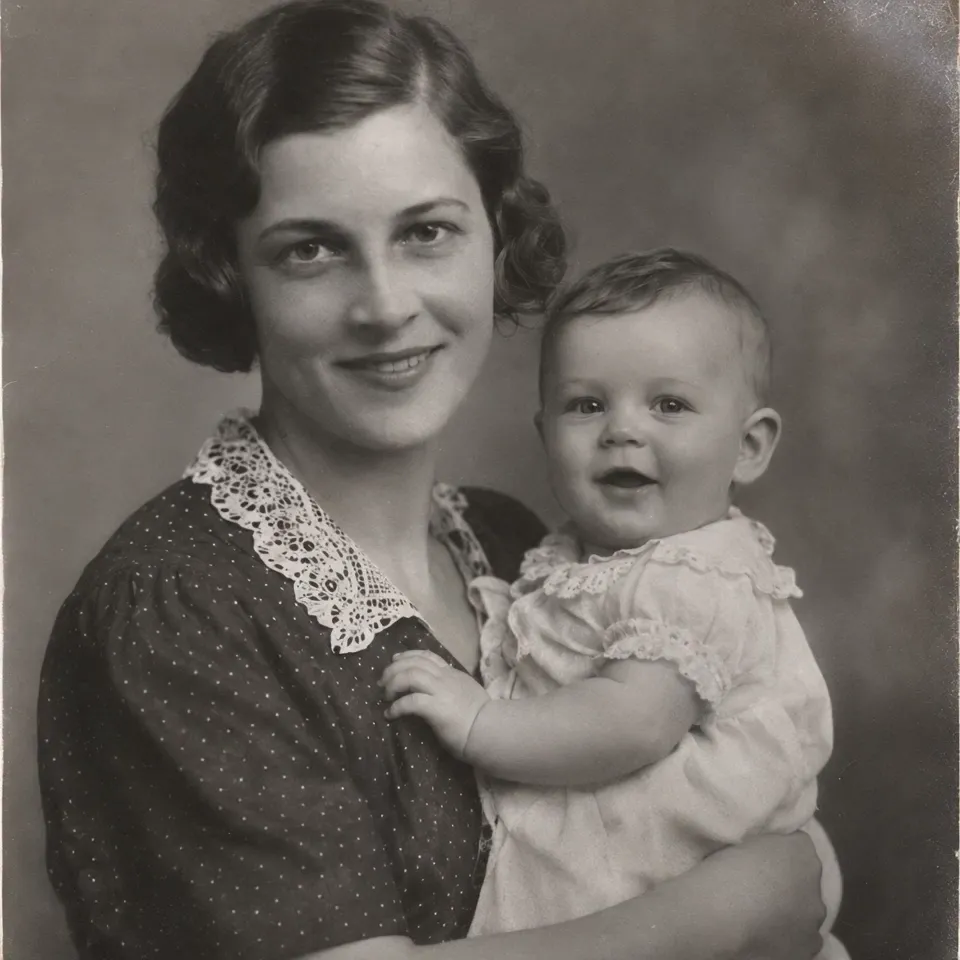
 Animate old photos
 Colorize old photos
Starter
$6.99
20 credits, valid for 12 months
About 5 short videos, or 20 restored photos
Remove scratches, creases and fading from an old photo. The people stay exactly as they were.
Upload a photo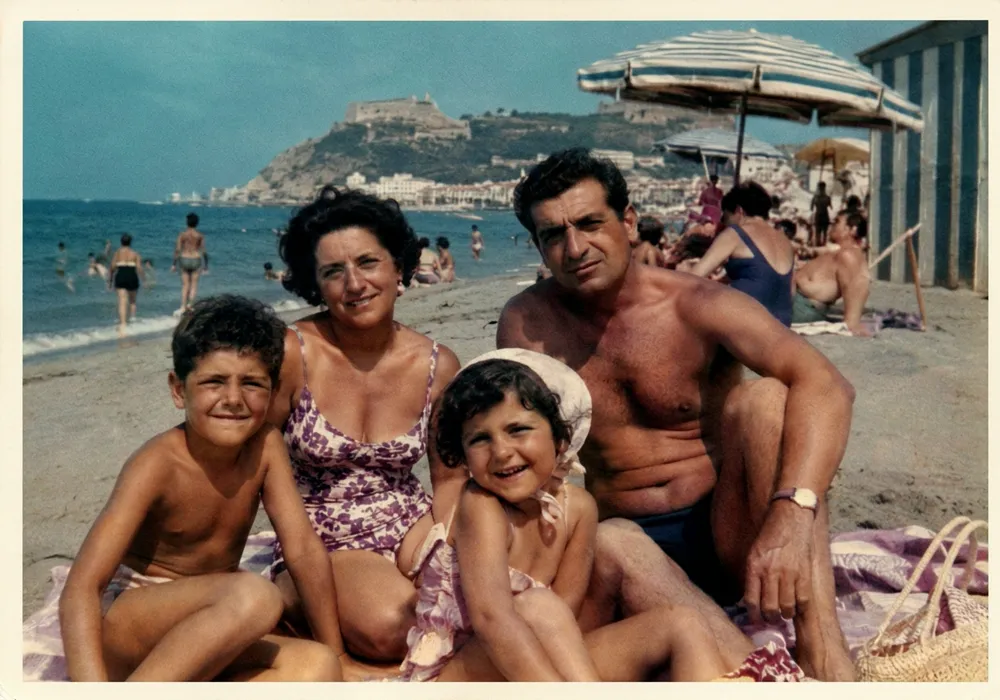
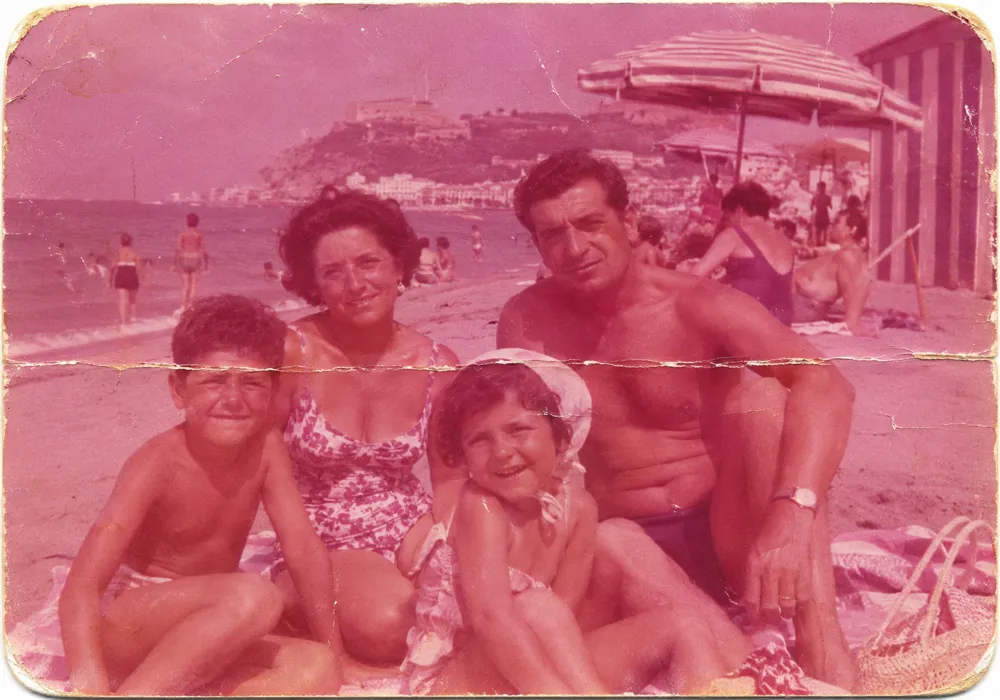 OriginalResult
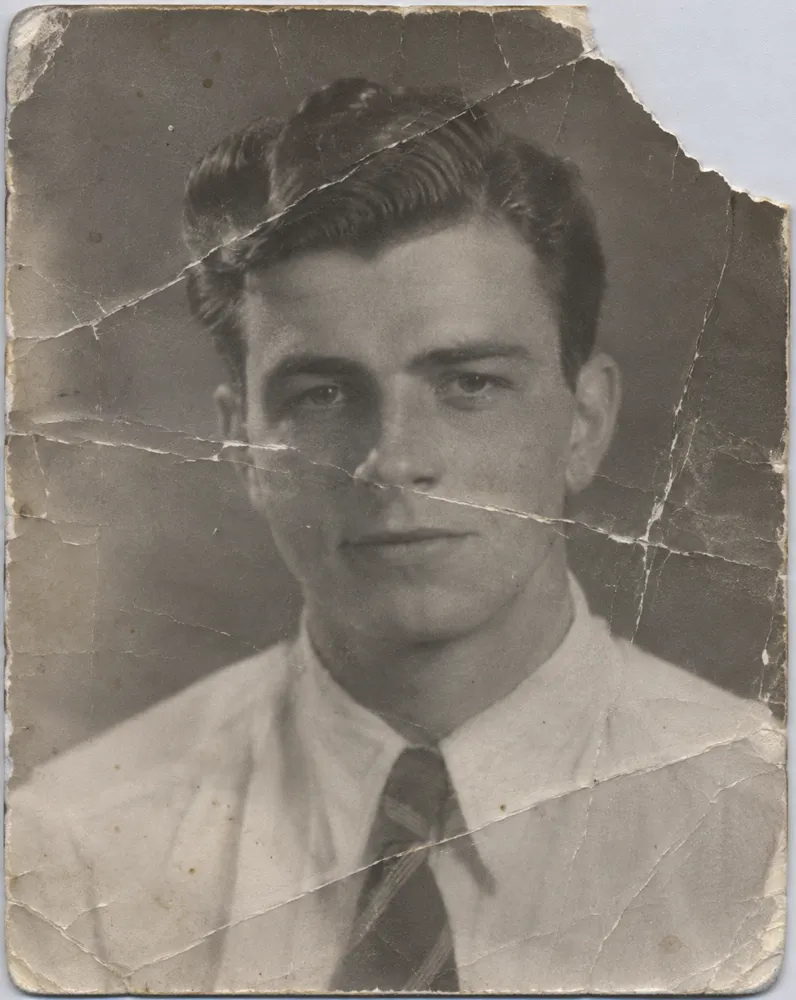
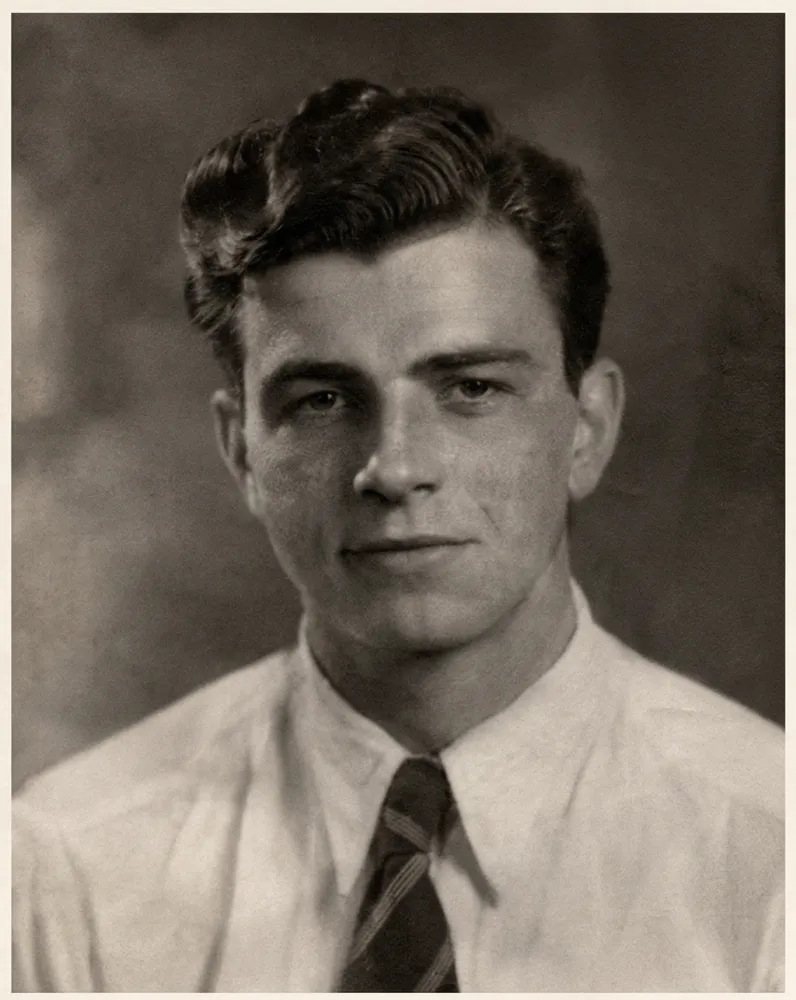
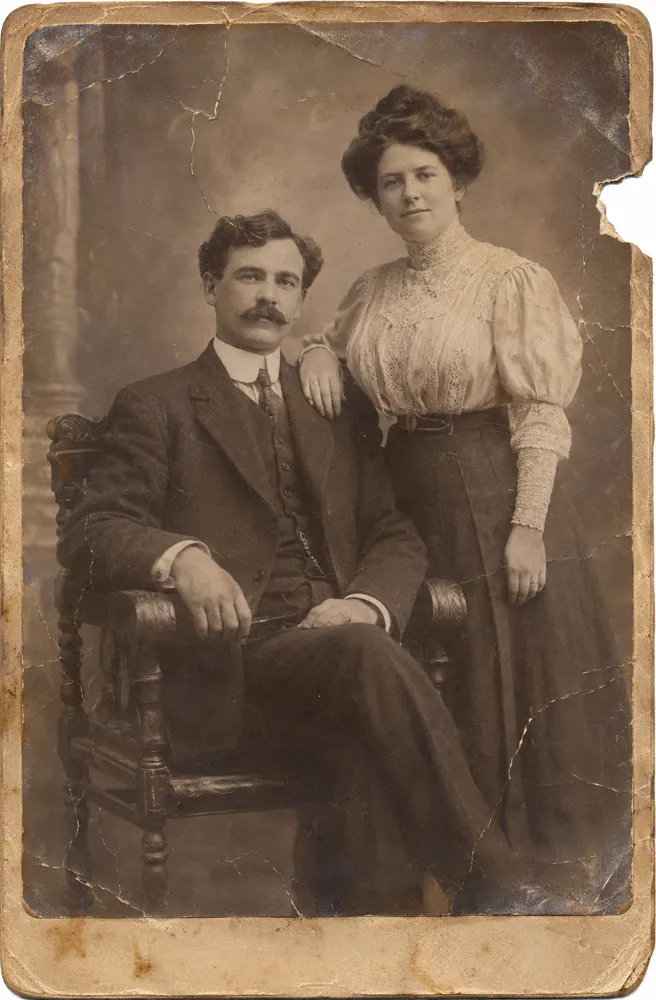
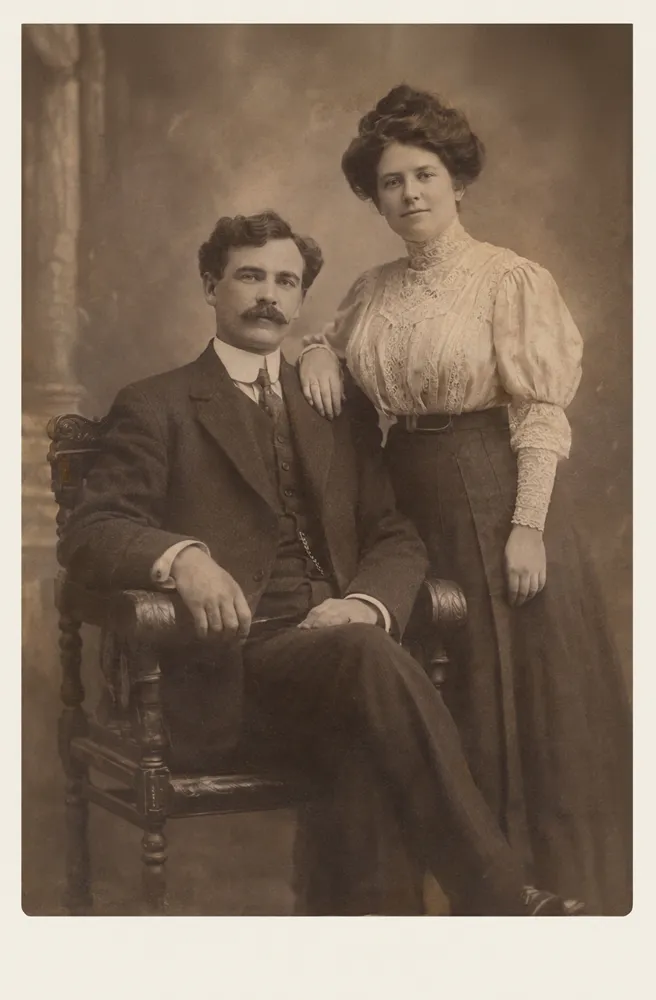
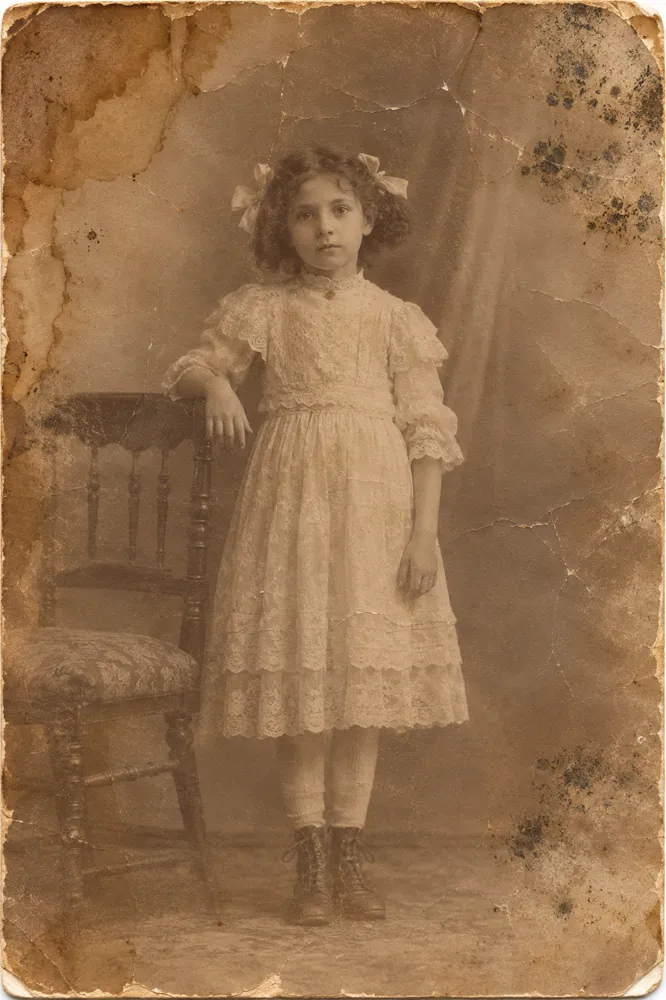
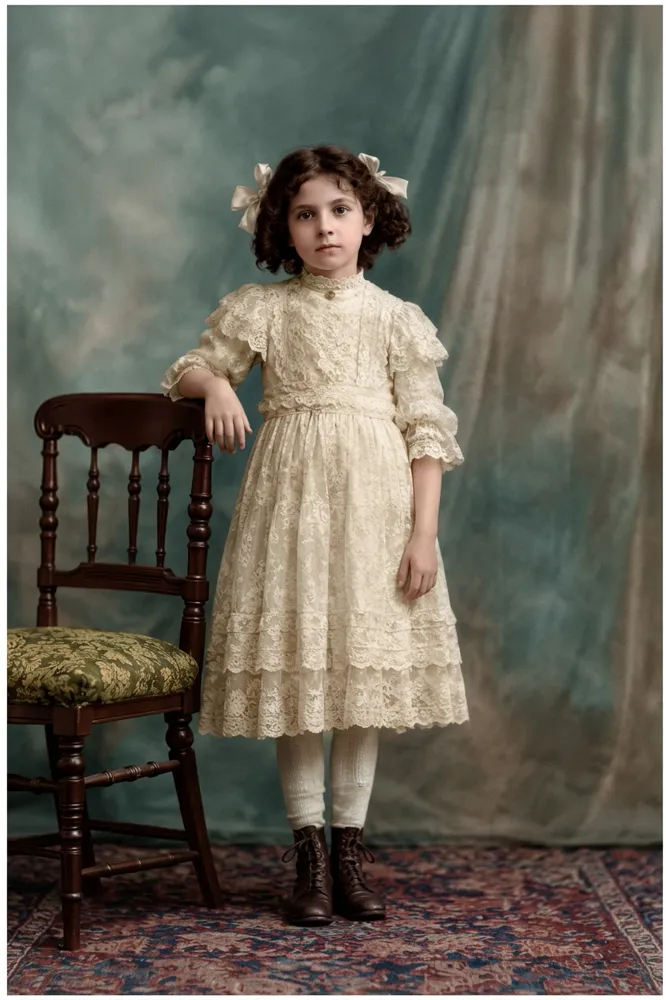
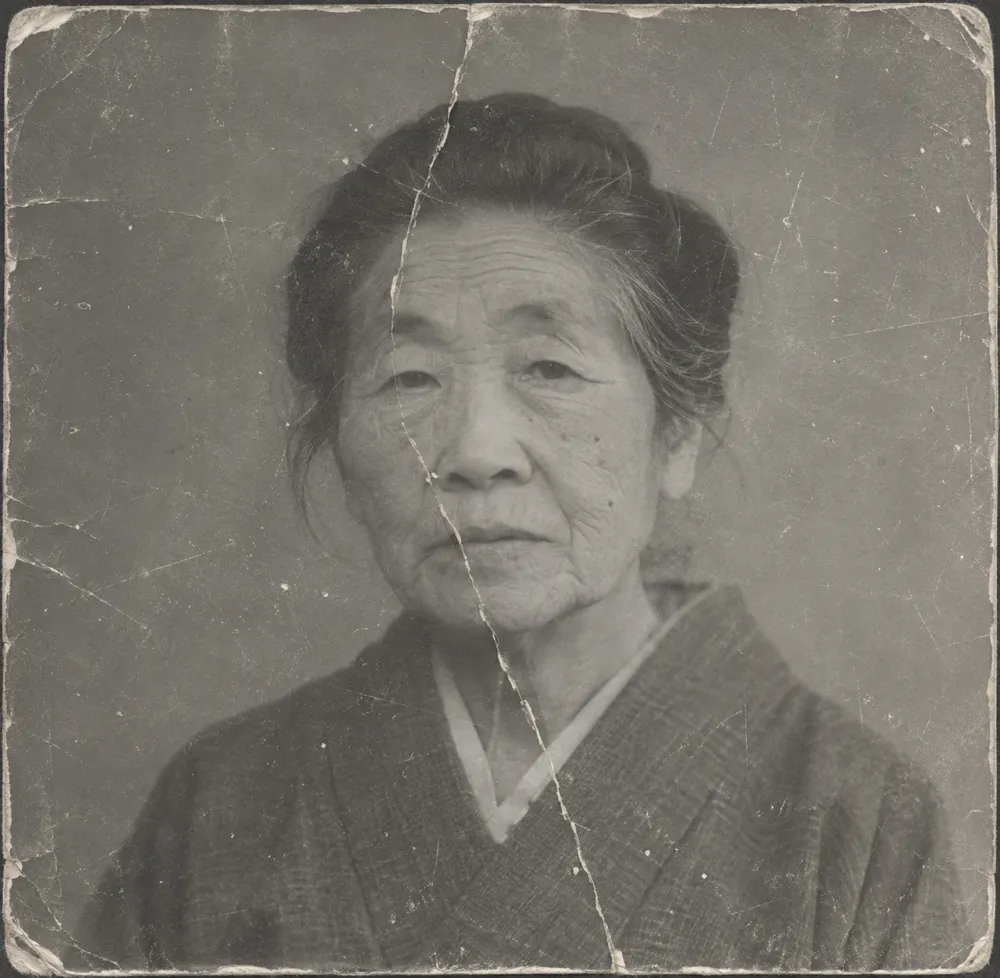
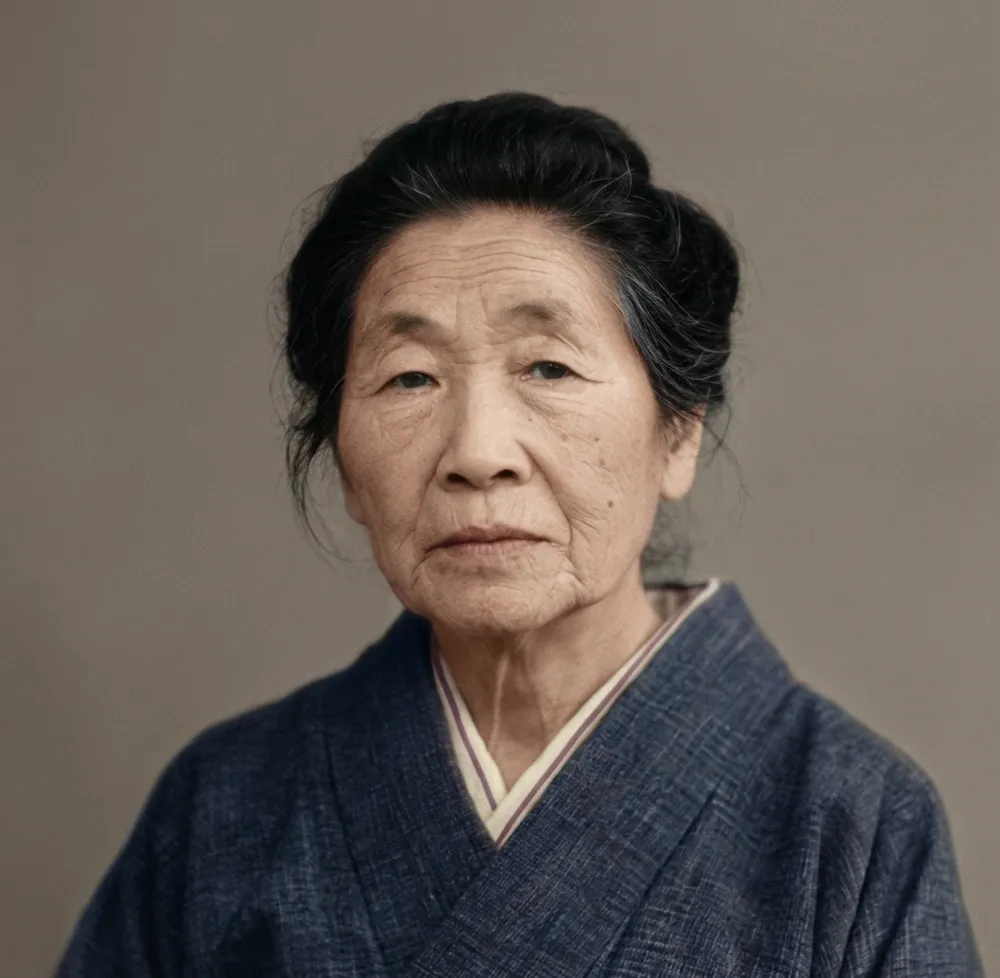
Old prints pick up scratches, fold lines, stains and fading over the decades. This tool cleans up that damage and brings back sharpness and contrast, so the photo looks the way it did when it was new.
Faces matter most in a family photo, so the restoration is told to repair damage only and to leave faces, expressions and clothing alone. A black-and-white photo stays black and white; if you want color, use the colorize tool afterwards.
Restoring is free to try once a day without an account. After that it costs 1 credit (2 in HD), so the Starter pack restores 20 photos. Pay once, no subscription; credits work on every tool and last 12 months.
$6.99
20 credits, valid for 12 months
About 5 short videos, or 20 restored photos
$14.99
50 credits, valid for 12 months
About 12 short videos, or 50 restored photos
Most popular$29.99
120 credits, valid for 12 months
About 30 short videos, or 120 restored photos
Want to try first? Restore or colorize one photo a day for free, no account needed, and new accounts get 2 free credits. Animating needs a pack. Restore a photo free
Secure checkout, one-time payment. No watermark. Failed jobs return their credits. Refund policy
Restoring and colorizing are free to try: one photo a day without an account, and new accounts get 2 credits. Animating a photo needs credits. Packs start at $6.99 for 20 credits, which is five 5-second videos.
Scratches, cracks, creases, tears, dust, spots, stains and fading. Small torn or missing areas are rebuilt to match what surrounds them. Parts of the photo that are blurry or unclear stay soft instead of being invented. A result usually takes under a minute.
The restoration is told to repair damage only: faces, expressions, hair and clothing stay as they are, and nobody is added or removed. Heavy damage across a face can still leave it imperfect, and a sharper scan of the print usually helps.
No. A black-and-white photo stays black and white, a sepia photo stays sepia, and a faded color photo gets its natural colors back. To add color in the same step, choose Add color under Color. You can also colorize a restored photo afterwards.
Standard (1K) costs 1 credit. HD (2K) gives a larger, sharper result for 2 credits and needs a free account. Photos can be up to 10 MB, and the shorter side must be at least 160 pixels. Results download without a watermark.
Your photos are used only to make your results. We do not sell them or use them to train AI. Uploads are deleted after 7 days and results after 30 days.
Unused packs can be refunded within 14 days. Credits for failed jobs come back automatically. See the refund policy for details.